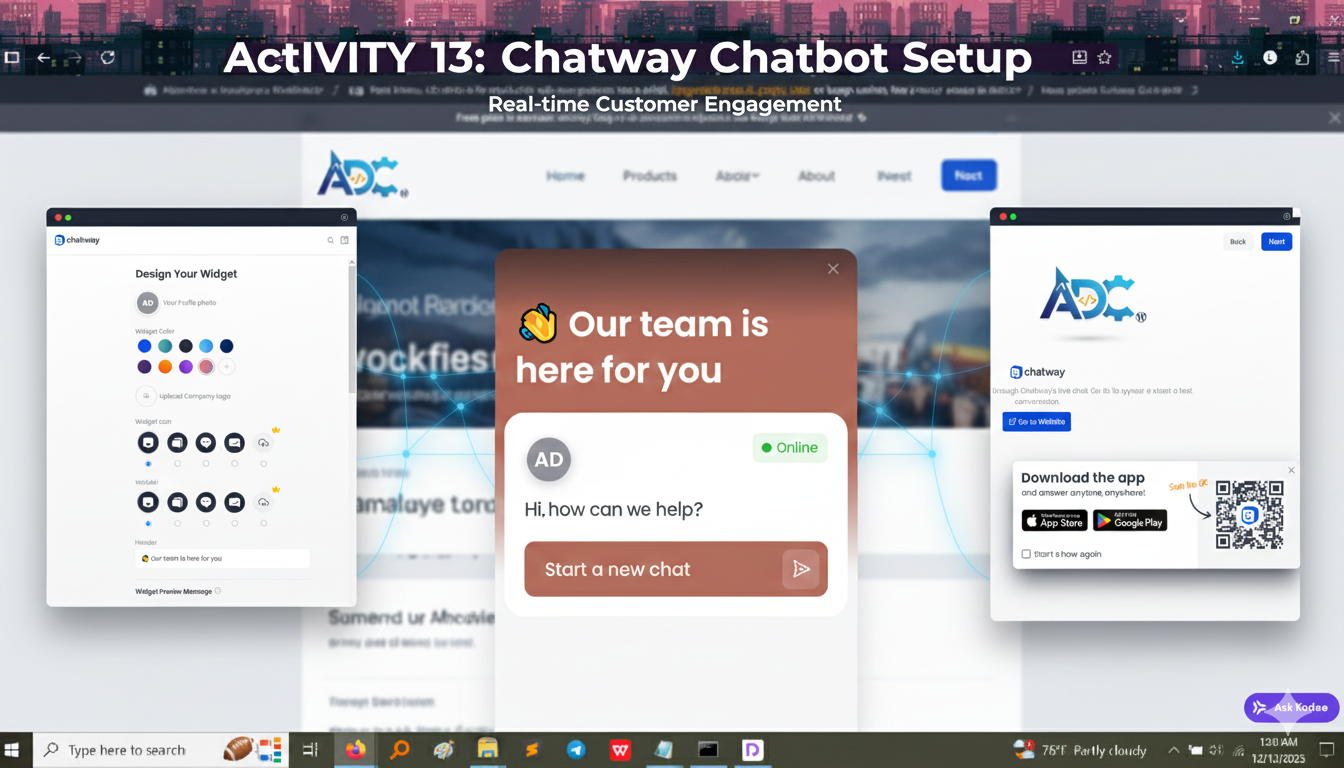
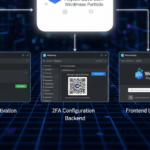
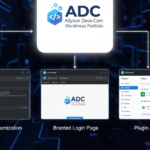
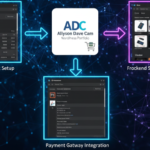
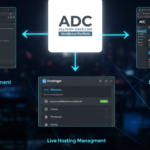
This final activity added a layer of real-time customer service and interaction to the portfolio website. We installed and configured the Chatway plugin to provide visitors with an instant way to ask questions, request support, or start a live conversation. This moves the website from a static collection of pages to a dynamic, responsive platform.
Backend Configuration Proof
These screenshots demonstrate the successful setup and customization of the chat widget’s appearance and functionality.
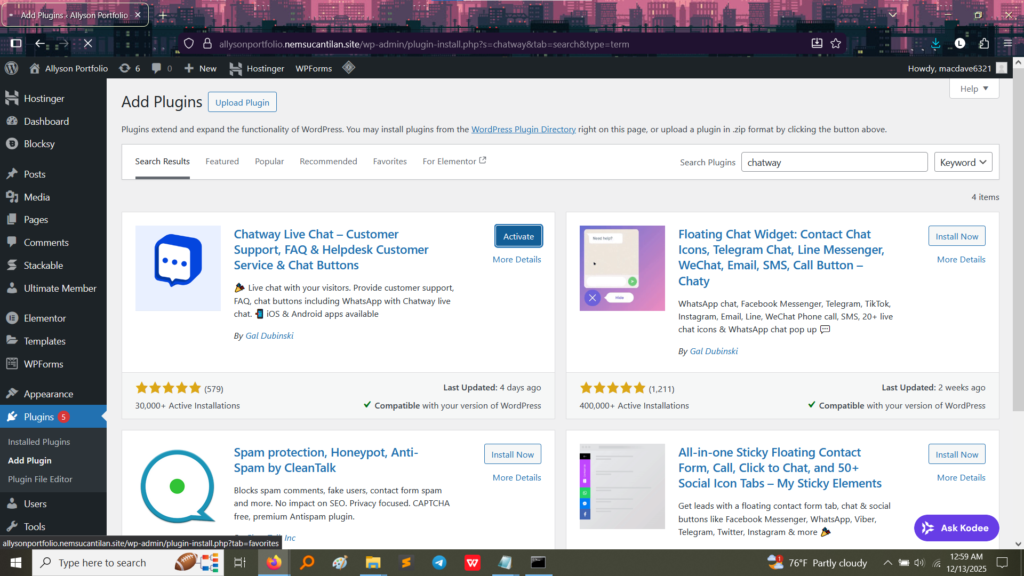
1. Plugin Installation Success
This image confirms that the Chatway Live Chat plugin was successfully installed and activated. This is the foundation for the entire communication system.
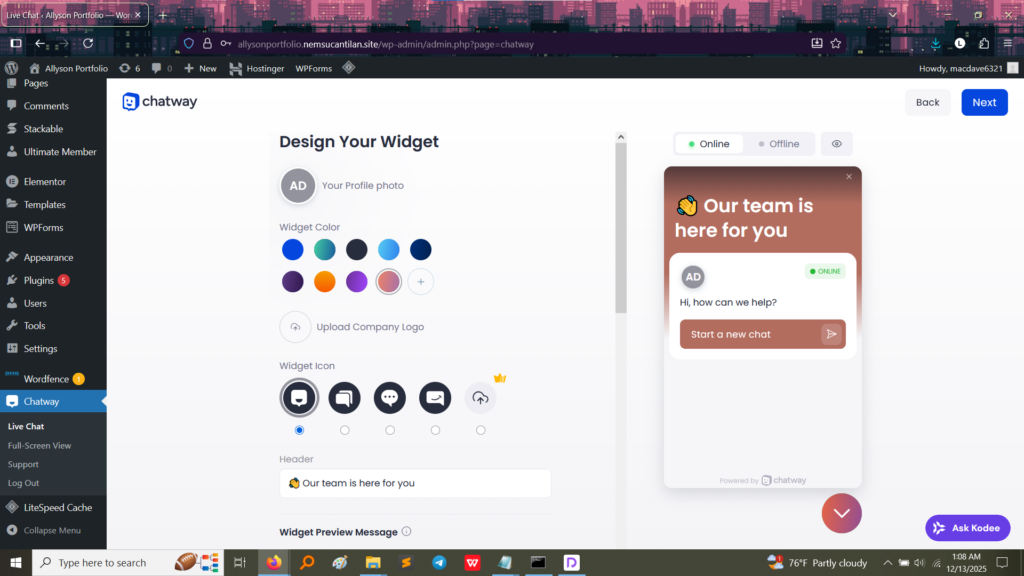
2. Customizing the Chat Widget Appearance
This screenshot shows the customization panel, where the widget is styled to match the website’s branding.
Proof of Customization:
The Widget Color is selected.
A Profile Photo (AD) is uploaded.
The Widget Icon is chosen.
The Header Message is customized (“Our team is here for you”).
What I Learned: This proves the ability to integrate a third-party tool and style it to maintain a consistent brand identity across the entire website, ensuring a professional look.
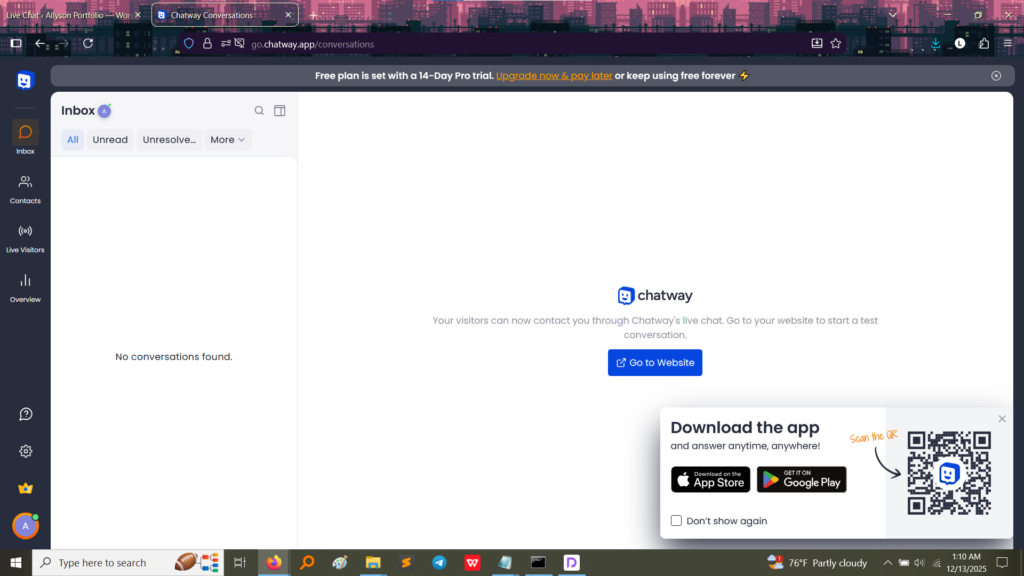
3. The Chat Conversation Console
This image shows the administrative console for Chatway.
Proof of Functionality: This “Inbox” is the backend where conversations started by visitors are received and managed. The “Go to Website” button and the QR code for the mobile app confirm that the system is ready for use, allowing the administrator (me) to answer visitor questions instantly, even from a phone.
What I Took Away From This Activity
Integrating a live chat system is a key skill for building client-facing or business websites:
Real-Time Engagement: I learned how to move beyond static contact forms to offer immediate, dynamic engagement with site visitors, which increases trust and conversion rates.
Centralized Communication: The console teaches the management of conversations, centralizing all customer inquiries in one dedicated platform.
Modern Customer Service: This project confirms the ability to deploy modern customer service tools that are expected by today’s web users.