Physical Address
304 North Cardinal St.
Dorchester Center, MA 02124
Physical Address
304 North Cardinal St.
Dorchester Center, MA 02124

This first activity was our entry point into web development. It was all about learning the absolute basics of HTML (HyperText Markup Language)—the code used to build and structure every single webpage you see online. Think of HTML like the skeleton of a website.
Our goal was simple: create several small, basic webpages and then link them all together on one main page.
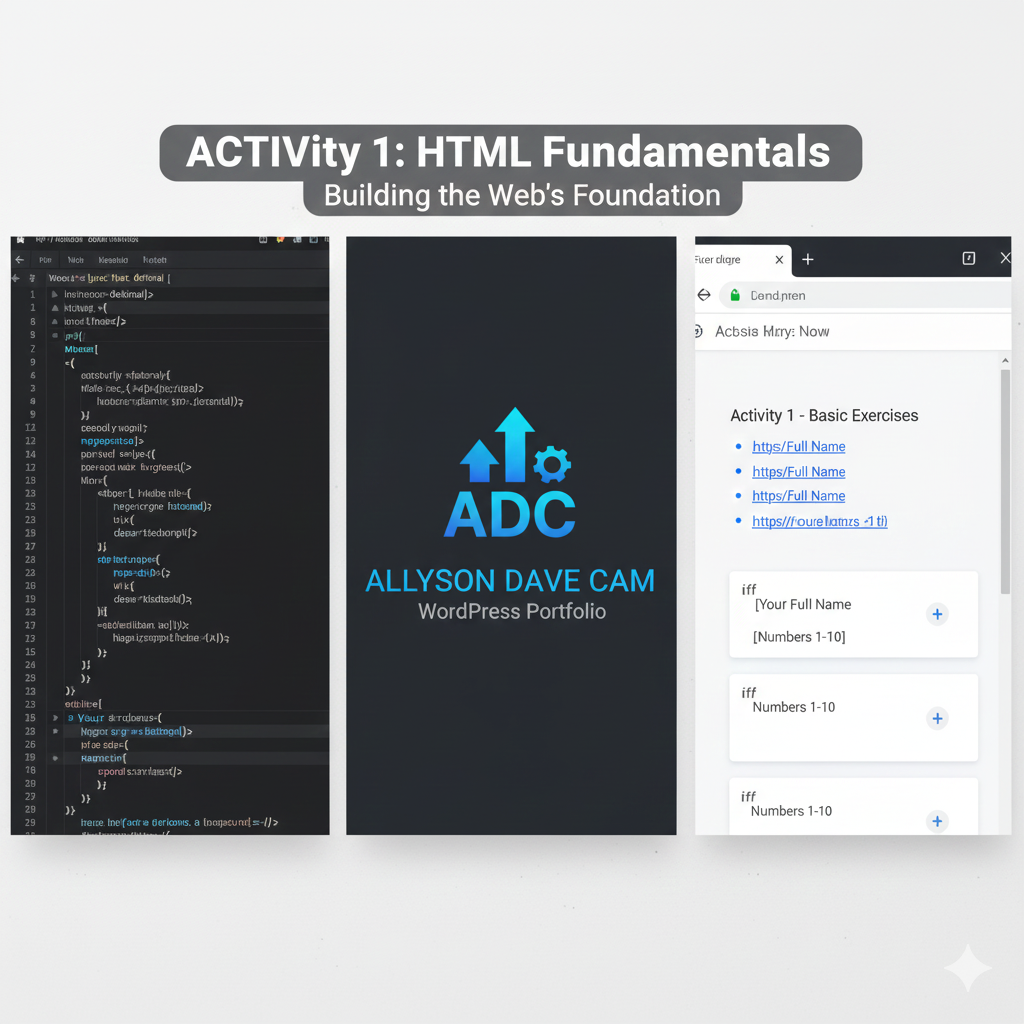
This screenshot shows the main page I built to bring all the exercises together.
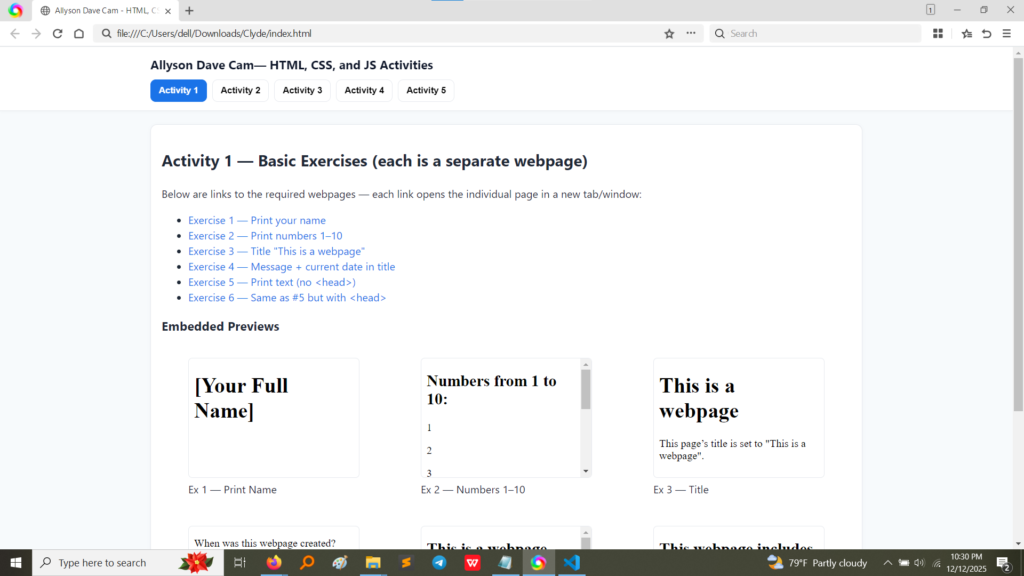
As you can see, the page is clearly organized:
The whole point here was to demonstrate that I could create simple content and organize it well on a main page.
This next picture is a screenshot of the actual HTML code I wrote for that main index page. This is the “behind the scenes” part.
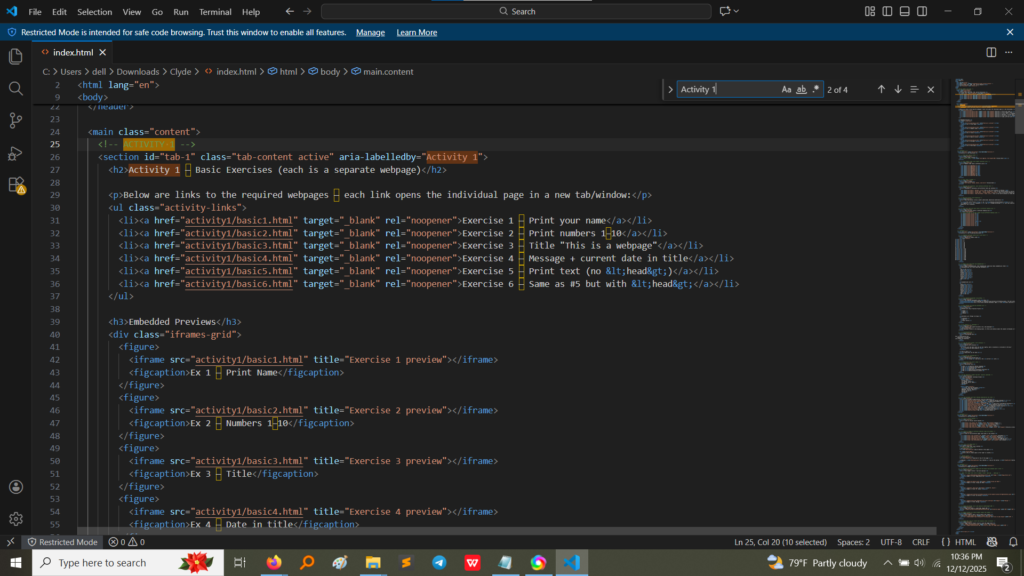
Let’s break down a few important sections of this code:
<ul> tag (which stands for Unordered List) to start the list and <li> (which stands for List Item) for each link.<a> tag (the Anchor tag, which makes links) and the href attribute to tell the browser where to go (e.g., activity1/basic1.html).target="_blank". This is what forces the link to open in a completely new browser tab, which is great for user experience!<iframe> tag. This is a special tag that essentially creates a little “window” inside your webpage and loads another entire webpage into it.This project was fundamental. Here are the three most important things I learned:
<html> (tells the browser it’s HTML), <head> (where settings go, like the page title), and <body> (where all the visible content goes).<a> tag. Learning how to connect multiple pages using href is what truly makes a collection of documents a “website.”<ul>, <ol>) and embedding content (<iframe>) are used to create structure and a good layout, making the website easy for visitors to use and navigate.