The goal of this activity was to “White Label” the WordPress administrative area. When a developer builds a site for a client, they often want to remove the standard WordPress branding (like the WordPress logo, links to WordPress.org, or the default footer text). This makes the dashboard look cleaner, more professional, and tailored to the client or the specific project—like an agency building a site for their own brand.
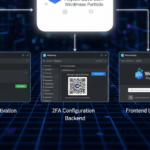
Plugin Activation and Settings (Backend)
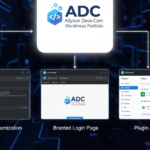
These screenshots confirm the successful installation and configuration of the White Label functionality.
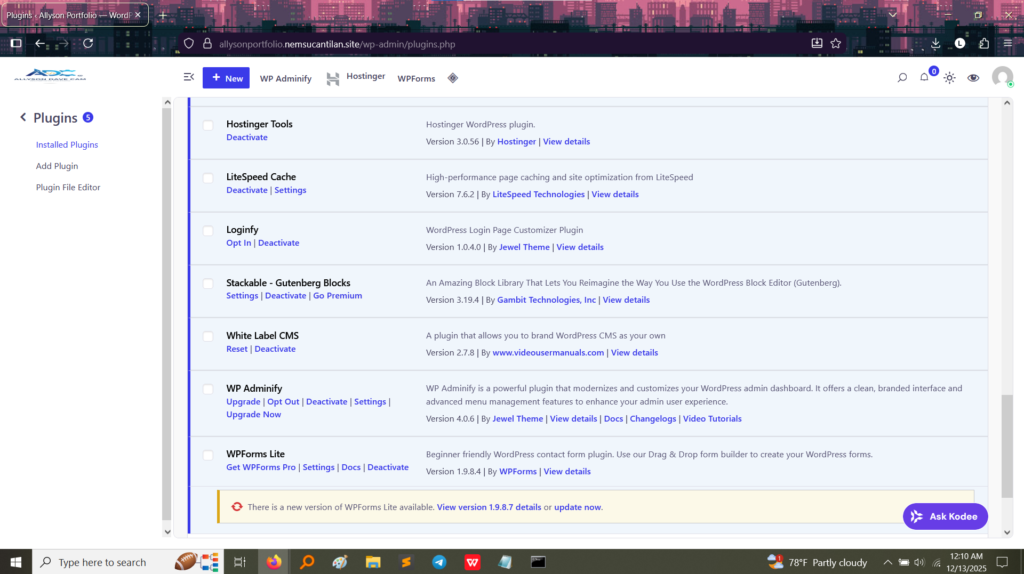
1. Plugin Installation Proof
This image confirms that the “White Label CMS” plugin is installed and ready to be configured. This proves the ability to introduce branding customization tools.
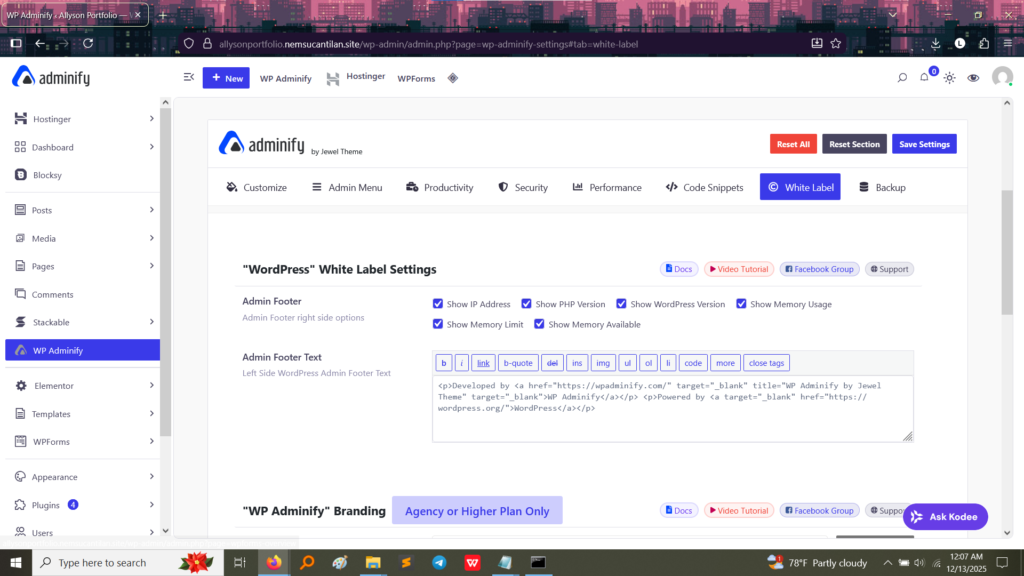
2. Customizing the Admin Footer
Proof of Customization: In the “Admin Footer Text” section, the default message has been replaced with custom code.
The visible code shows that the standard, generic WordPress footer (“Thank you for creating with WordPress”) is replaced with a custom message that links back to a specific development team (“WP Adminify by Jewel Theme”).
What I Learned: This proves the skill to modify the administrative experience, offering agency-level branding and control over copyright and attribution notices within the backend.
What I Took Away From This Activity
White Labeling is less about functionality and more about professional presentation and security:
Professional Branding: I learned how to give the administrative backend a polished, consistent brand identity, removing distracting default links and logos. This is crucial when delivering a project to a client.
User Experience (UX): A cleaner, less cluttered dashboard makes the site easier for the end-user (the client or a basic editor) to navigate, reducing confusion and support requests.
Security through Obscurity: By removing obvious WordPress branding, it can slightly obscure the underlying CMS platform, adding a small layer of protection against highly targeted attacks.