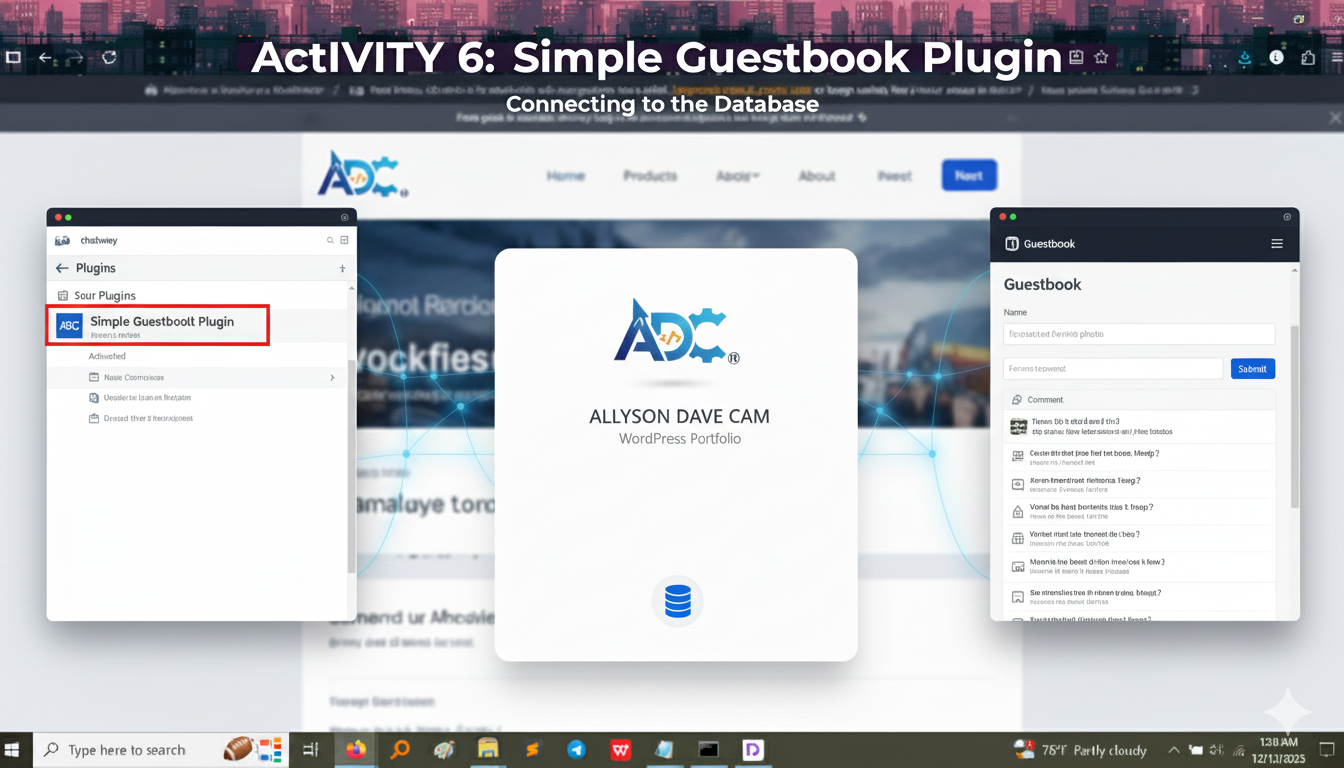
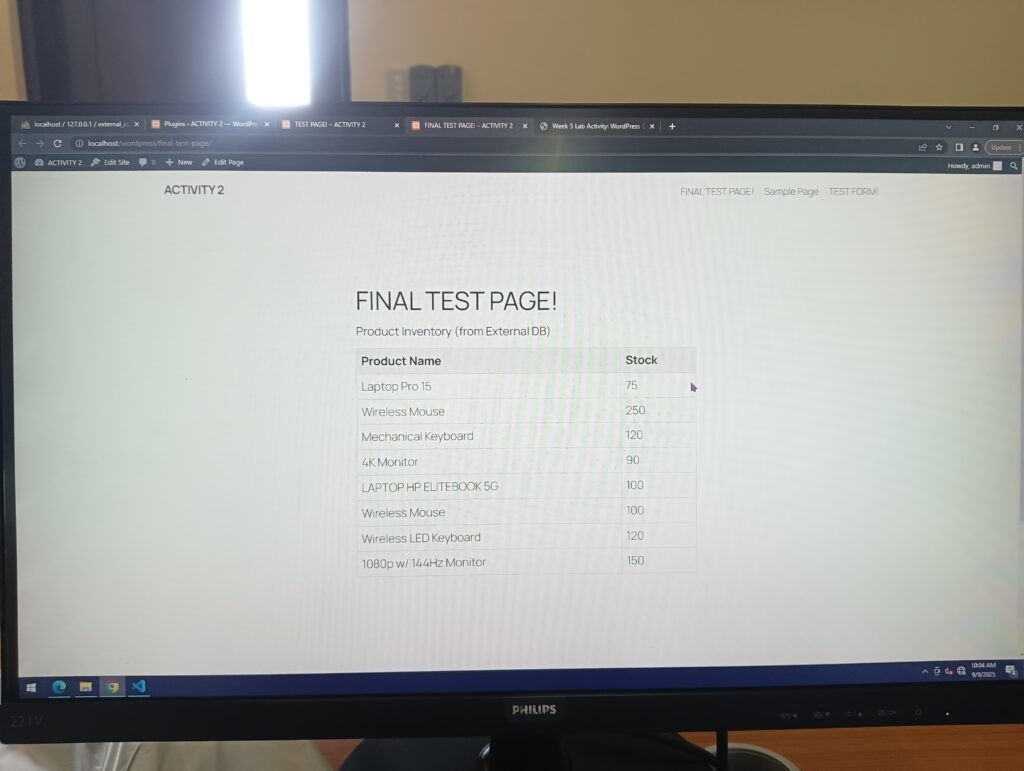
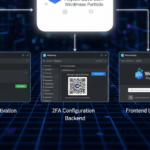
This activity marked our jump from raw HTML files into the world of WordPress Content Management System (CMS) and plugins. The goal was to install and activate a simple plugin that demonstrates database interaction—something much more complex than static HTML. We used a Simple Guestbook plugin to let visitors leave messages, which requires the plugin to Create (new messages) and Read (display old messages) data from a database table.
Showing the Live Feature (Frontend View)
The image below shows the finished Guestbook form as a visitor sees it on the live website.
Key Feature Highlights:
Interactive Form: Visitors can submit their name and comments.
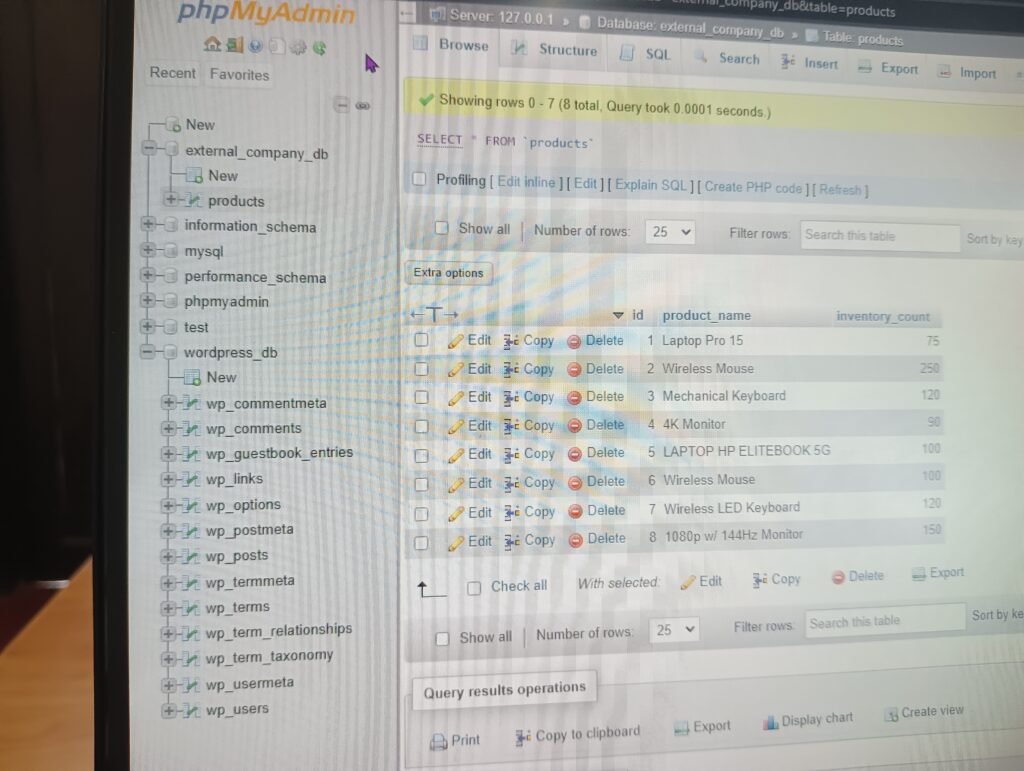
Database Input: When a user clicks “Submit,” the plugin takes that data and saves it into a special table in the WordPress database.
Frontend Display: Any submitted comments are usually displayed on the same page below the form, allowing everyone to read them (the “Read” function).
Showing the Configuration (Backend View)
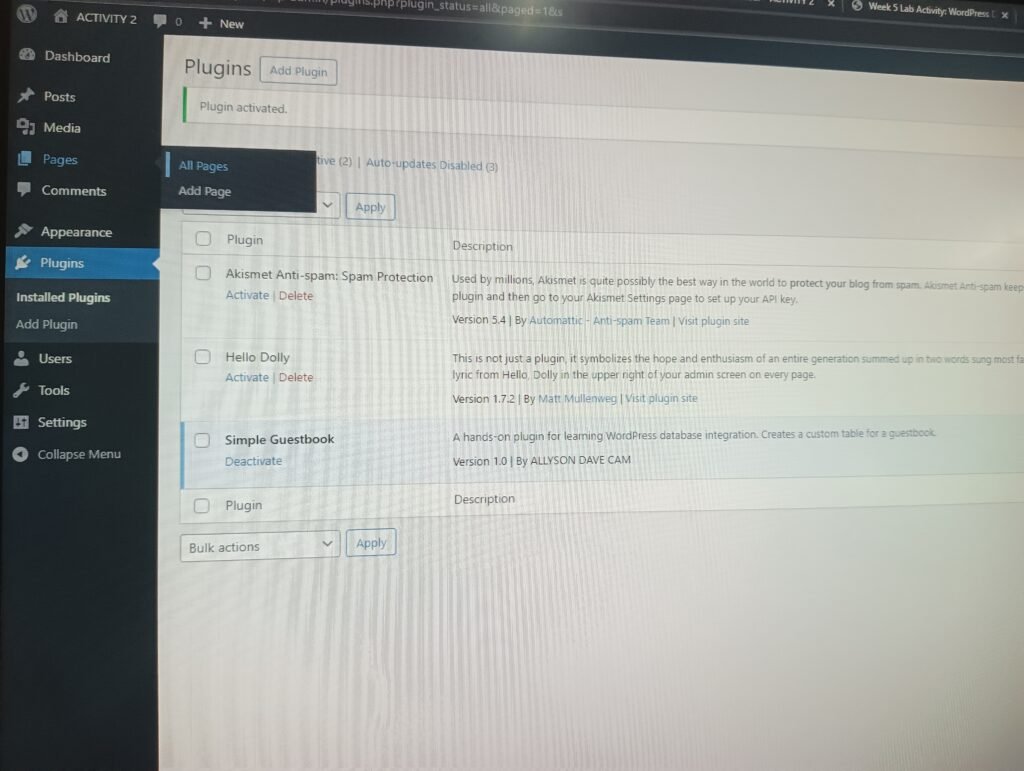
The screenshot confirms that the plugin has been successfully installed, uploaded to the server, and activated on the WordPress dashboard.
Key Backend Details:
Plugin Status: The screenshot shows “Simple Guestbook” listed under the “Installed Plugins” and confirms its status as Activated (with the option to “Deactivate”).
Documentation: This plugin was likely custom-built or used for learning, as indicated by the description: “A hands-on plugin for learning WordPress database integration.” This proves the objective of learning database interaction was met.
[OPTIONAL: If your Guestbook plugin had a separate settings page, you should include a screenshot of that here.]
What I Took Away From This Activity
This was a pivotal activity because it taught me the power and complexity of plugins:
The Plugin Ecosystem: I learned the simple process of installing and activating new functionality in WordPress, turning a basic blog into a powerful, interactive tool.
Database Integration: The Guestbook demonstrated the concept of dynamic websites—websites that don’t just display static text, but can collect, store, and retrieve data from a database (like the visitor’s name and comment). This is the foundation of E-commerce and user registration.
Frontend/Backend Divide: I clearly understood the difference between the Frontend (what the user sees and interacts with) and the Backend (where I, the administrator, manage and configure the tools).